 ClearOrigin
How to prepare a folder of images and documents for delivery
Batch preparation with local files, per-file results and an honest delivery record.
Set the scope of the job
Paid workflows support up to 100 files, 50 MB each and 250 MB total. Text and PDF have smaller format limits. Select a folder where supported or use multi-file selection. Folder structure is retained when supplied by the browser.
Keep the workspace open during checkout
Checkout opens in a separate tab. The queue stays in memory in the original workspace. After verified payment, return and refresh access. Closing or refreshing the workspace loses the selected files.
Choose fields and handle failures
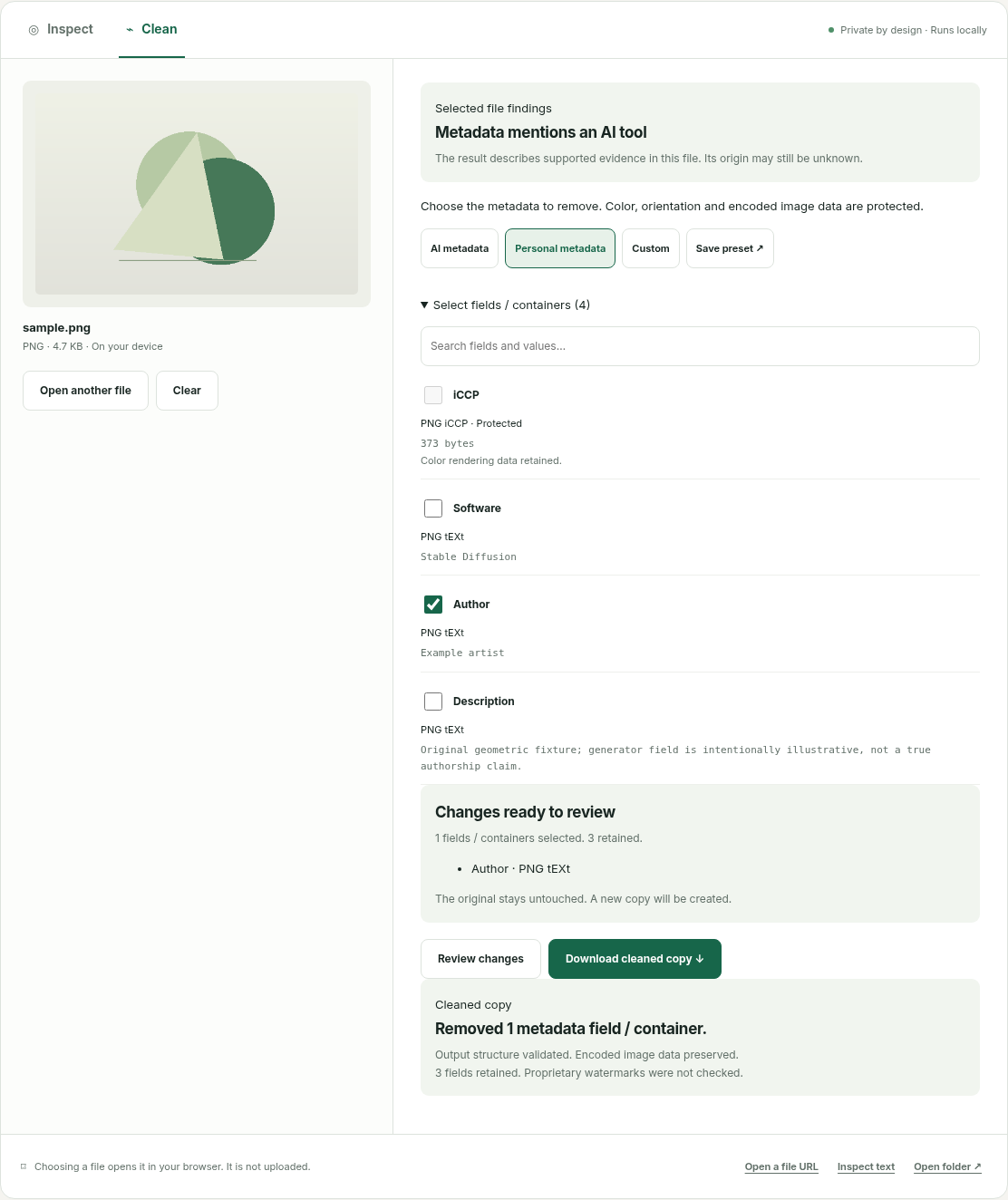
Inspect the queue, review a cleanup selection and apply matching field labels to the batch. The queue processes one file at a time. A failed file does not remove successful results; retry failed inputs individually.
Deliver a ZIP and local report
Export successful outputs in a combined ZIP, with an optional JSON and self-contained HTML report. Reports state what was removed, retained and validated. They are generated locally and can contain filenames, so share them deliberately.
Files are processed locally. Account and payment information is separate. Read the privacy explanation.